1
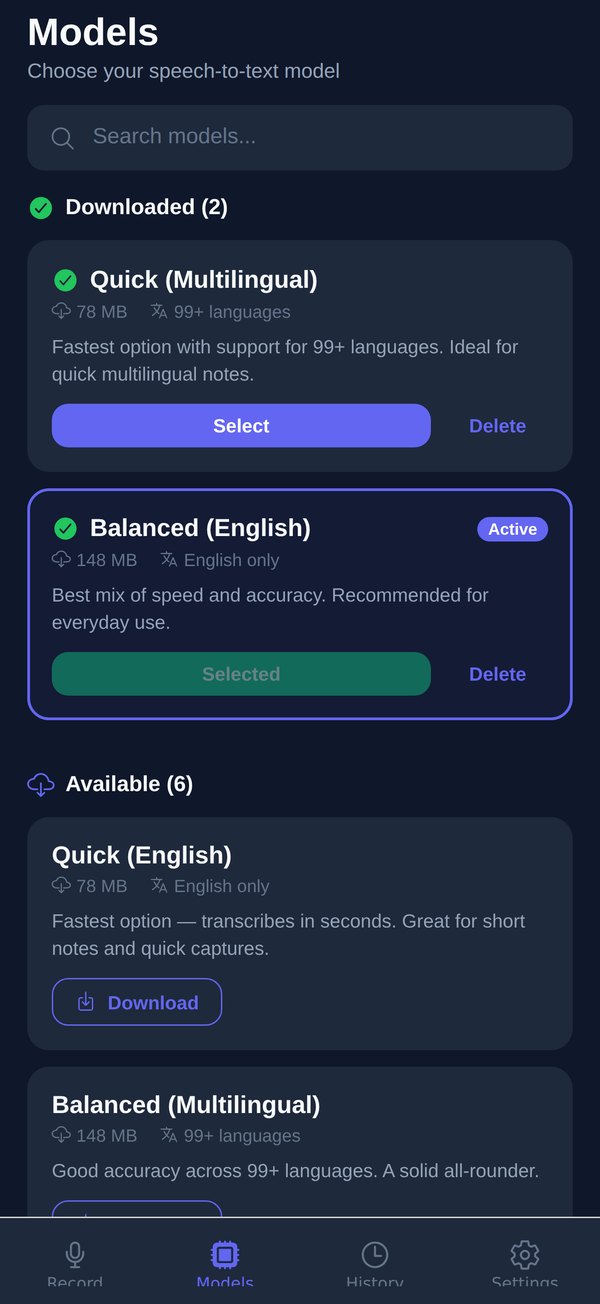
Download a model once
Pick a Whisper model from 78 MB. It's a plain file fetch with no account attached, and it lives on your phone from then on — that's the whole trick.
 Private Transcribe
Whisper AI runs on the phone in your hand. Record a thought, a meeting, a lecture, and get accurate text in seconds, in 99+ languages, with no internet at all. No account. No cloud. No uploads, ever.


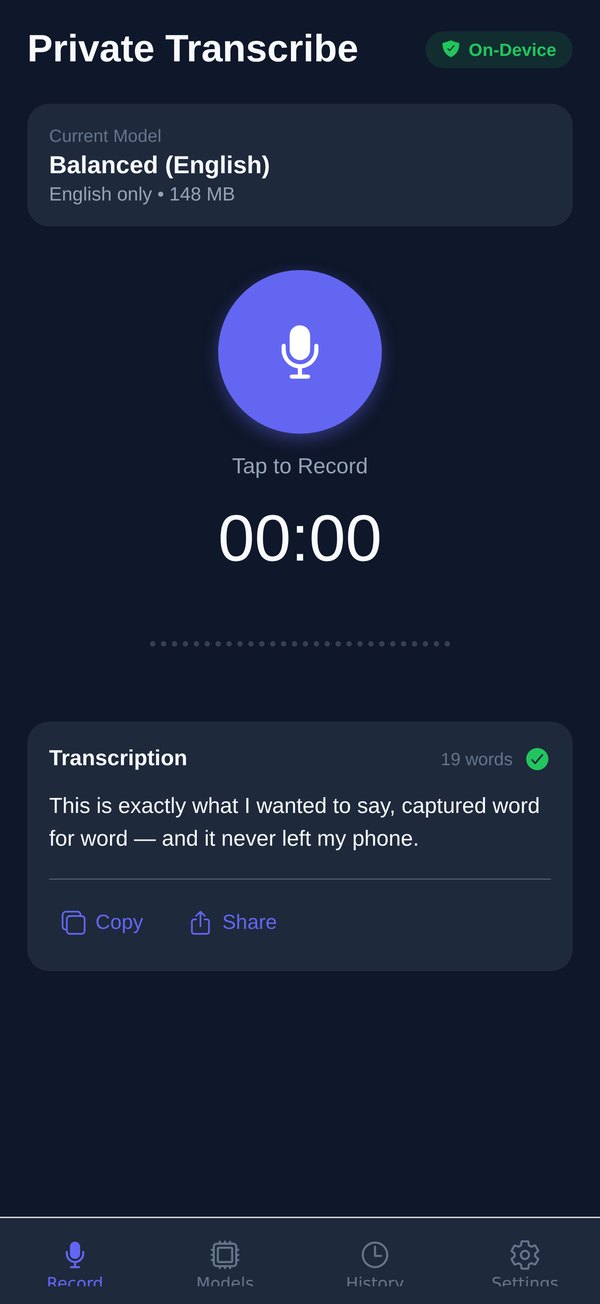
A live waveform shows you're being heard; stop whenever, and the words appear within seconds. That entire round trip happens inside the phone, which is why it works just as well with the radio off.
This is exactly what I wanted to say, captured word for word — and it never left my phone.
One download, then everything runs in airplane mode. Here are the three screens you'll actually use.
Pick a Whisper model from 78 MB. It's a plain file fetch with no account attached, and it lives on your phone from then on — that's the whole trick.
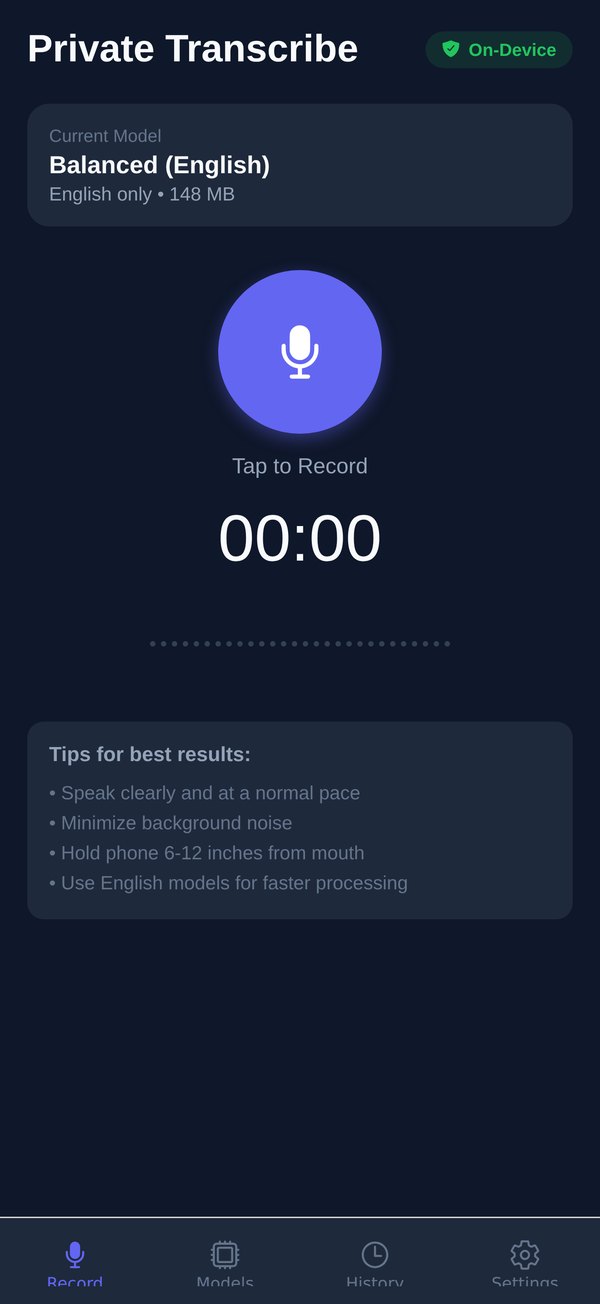
A live waveform shows you're being heard. Stop whenever you like; long recordings are welcome, and the screen stays awake while the model works.
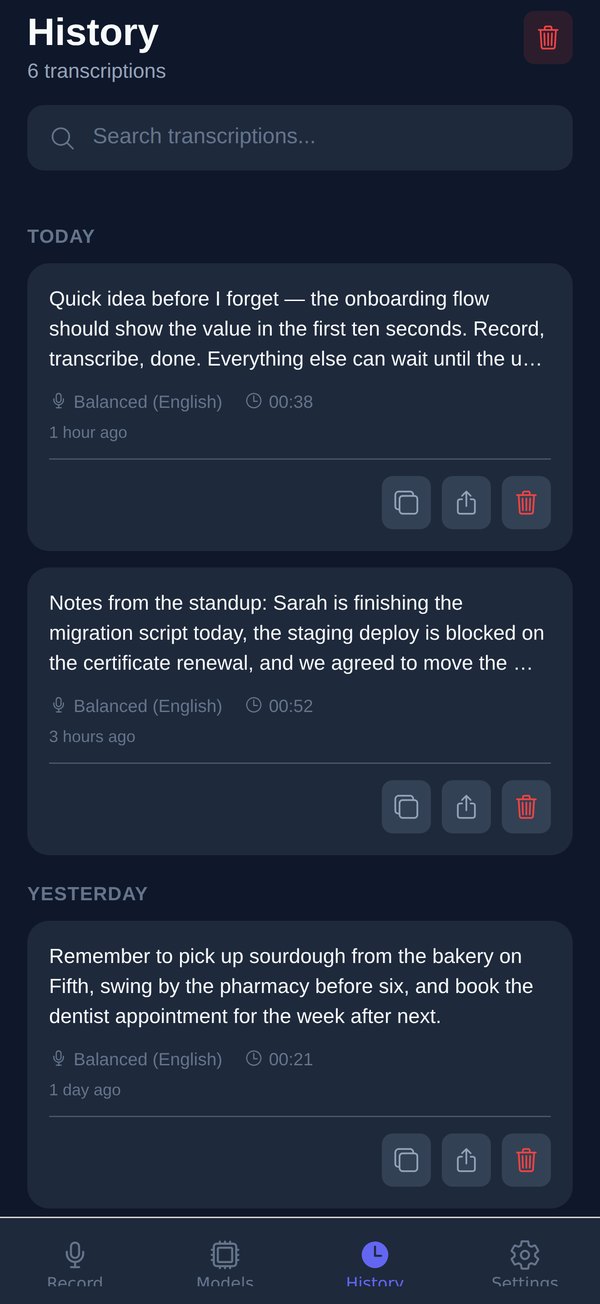
Edit, search, copy, share. Every transcript lands in a history grouped by date, with word counts and playback; Pro adds .txt and .srt export with timestamps.
Cloud transcription services promise to protect the recordings you upload. We remove the upload. The speech recognition engine physically runs on your phone, so there is nothing to breach, leak or subpoena.
The microphone is used only while you're recording, and the audio is written to the app's local storage.
whisper.cpp runs the model on your phone's own processor. Airplane mode on, radio off — it still works.
Editable, searchable, yours. Copy it, share it, export it — or delete it. Nobody else ever had a copy.
Four tiers, each in an English-only version (fastest) and a multilingual one. Trade speed for precision per task, and switch any time.
Transcribes in seconds. Great for short notes and quick captures.
The everyday sweet spot of speed and accuracy. Start here.
Noticeably better. Shrugs off background noise and accents.
Highest accuracy available. For meetings, interviews and recordings that matter.
Multilingual models understand all of them offline. With Pro, any of them can be translated into English text as you speak — also on-device.
Meeting notes, interviews, lectures, voice memos, drafts, journals. Every transcript lands in a history grouped by date, so the thing you said three weeks ago is one search away.
The whole app, in order.
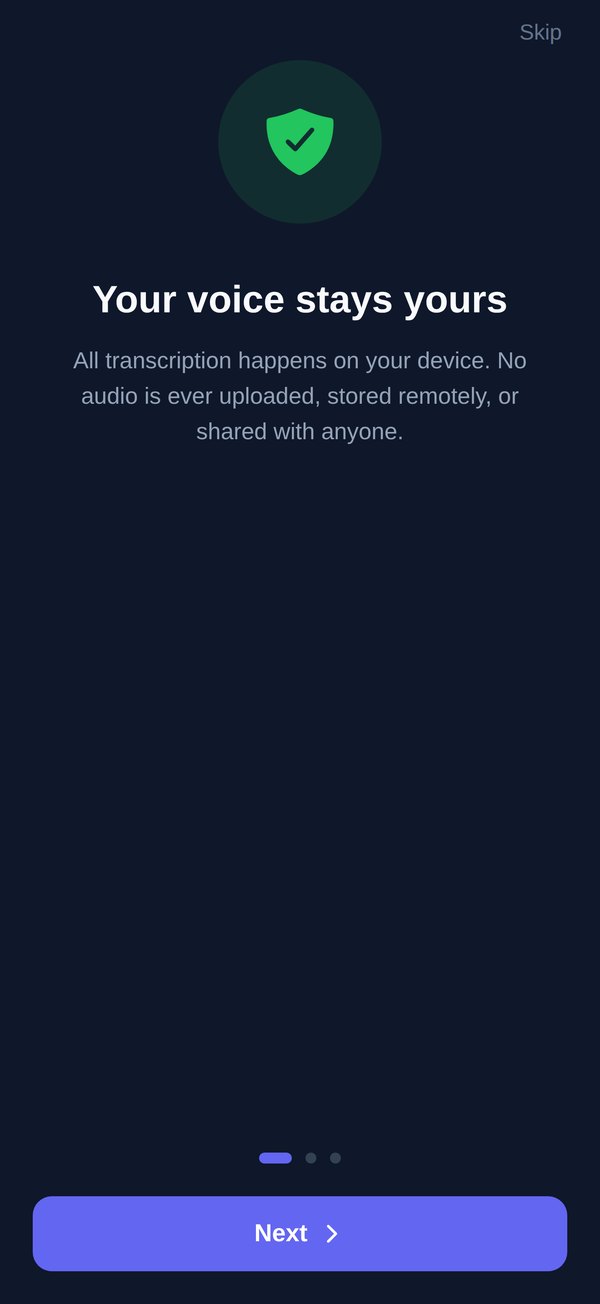
The promise, up front: your voice stays yours. No account to create, nothing to agree to but the mic.
One button. The live waveform is driven by your real mic level; the timer counts wall-clock time.
Your words, a word count, a green check — and Copy and Share right there.
Eight Whisper models from 78 MB to 1.53 GB. Download, select, delete — and a storage check before the big ones.
Grouped by date, searchable, editable. Each entry remembers its model and duration.
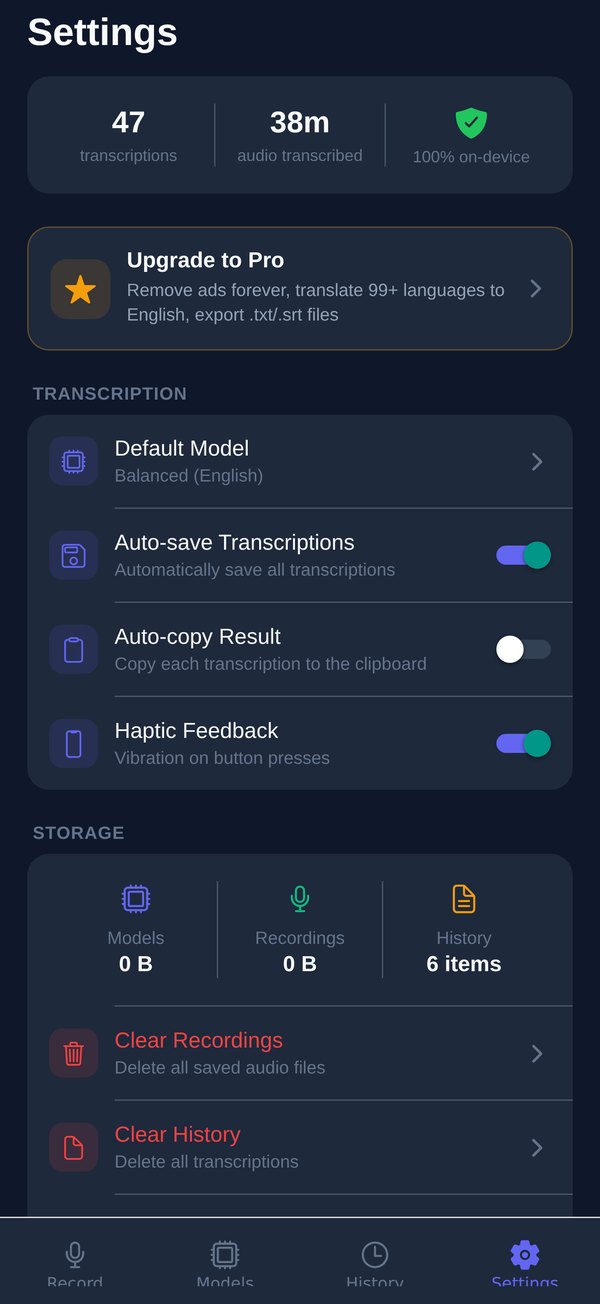
Your stats, your defaults, and a storage panel where everything can be wiped in one tap.
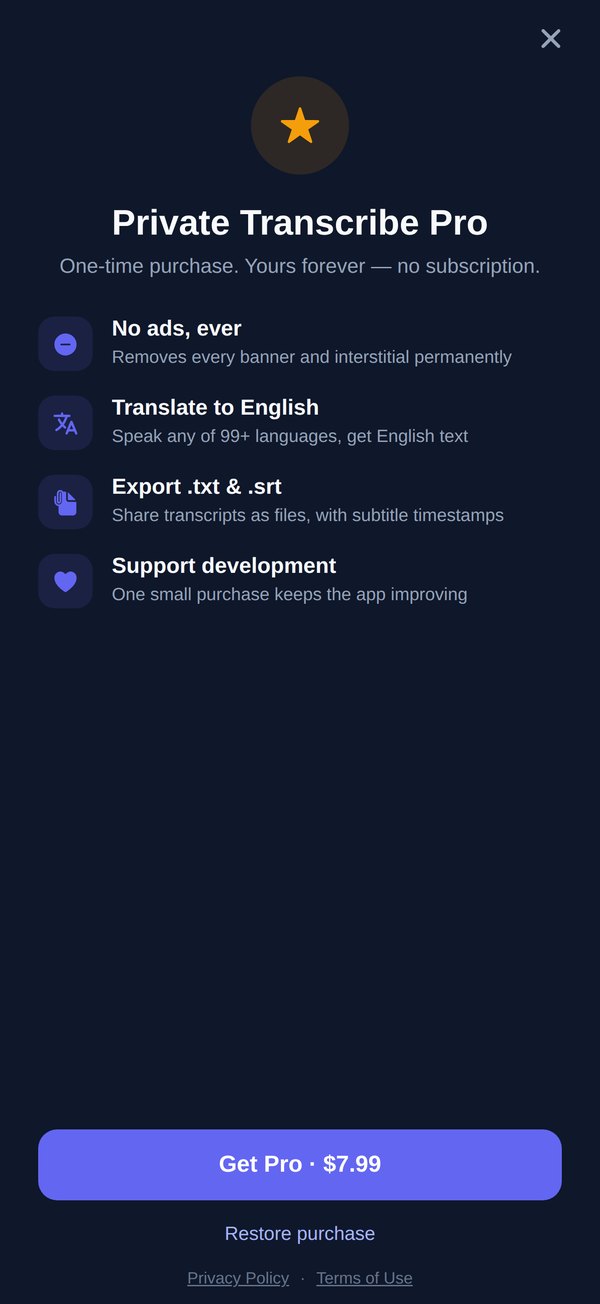
The free app already does the private part completely. Pro is a single purchase for the people who use it every day — and it's the only paid thing in the app.
The free version shows a banner and, now and then, an interstitial after a transcription finishes — never while you record, never before your third transcription, and never twice within three minutes. Price shown in USD; your store shows the local equivalent.
Never. Transcription runs on your phone's own processor via whisper.cpp. There is no account, no sign-up and no transcription server — the app works with networking fully disabled. Try it in airplane mode.
Yes. You need a connection once, to download a speech model (from 78 MB). After that, recording and transcription are fully offline — on a plane, in the field, in a basement lab.
The app is free with ads. A one-time Pro purchase — not a subscription — removes all ads forever and adds translation into English plus .txt and .srt export.
English-only models are the fastest. Multilingual models transcribe 99+ languages — Spanish, French, German, Portuguese, Chinese, Japanese, Korean, Hindi, Arabic and more — and Pro can translate any of them into English text.
Start with Balanced (148 MB). Move up to Accurate or Professional for noisy rooms, accents or important recordings; drop to Quick for instant notes. Every tier comes in an English-only and a multilingual version, and the app checks free storage before a big download.
No. No sign-up, no login, nothing to leak. Everything lives in the app's local storage on your phone.
Settings → Clear All Data removes every recording, transcript and downloaded model. Deleting the app does the same. There is no server copy to chase — there never was one.
Free. No account. Works in airplane mode.